
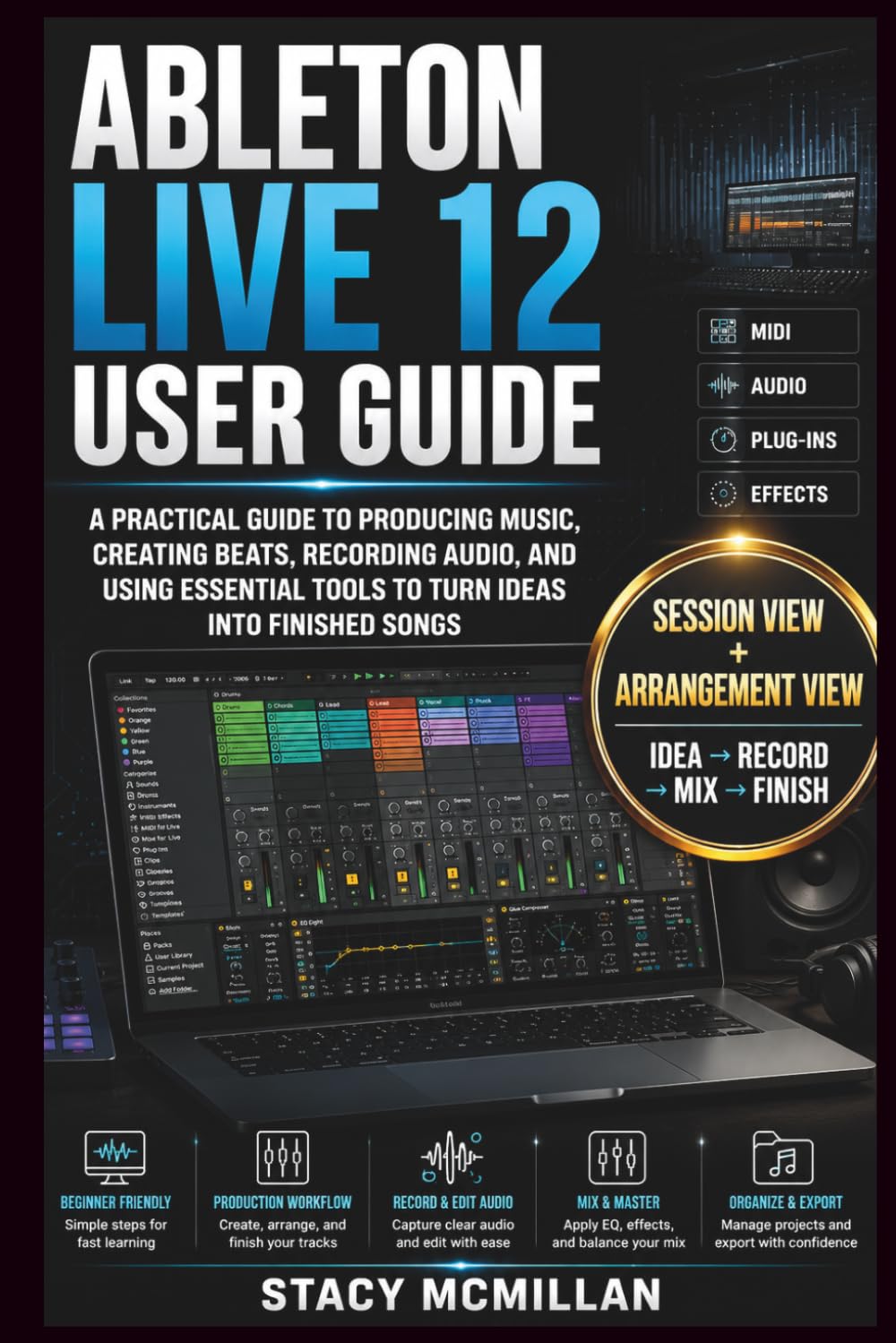
ABLETON LIVE 12 USER GUIDE: A Practical Guide to Producing Music, Creating Beats, Recording Audio, and Using Essential Tools to Turn Ideas into($17.98Value)
$17.98
ABLETON LIVE 12 USER GUIDE: A Practical Guide to Producing Music, Creating Beats, Recording Audio, and Using Essential Tools to Turn Ideas into($17.98Value)
Description
Can you open Ableton Live 12 and turn your ideas into finished music without feeling lost in the workflow? Many new producers struggle with understanding the interface, setting up audio and MIDI equipment, creating beats, recording vocals, arranging songs, and knowing which tools to use at each stage. The number of tracks, effects, instruments, and settings can make music production feel confusing when you do not have a clear path to follow. This practical guide helps you understand Ableton Live 12 through clear explanations and hands-on workflows. You will learn how to create projects, build beats, record audio, work with MIDI, arrange songs, apply effects, mix tracks, export finished music, and develop a production process that fits your creative goals. Inside the guide, you will find step-by-step instructions, visual diagrams, workflow illustrations, setup guidance, troubleshooting sections, and practical examples that show how different parts of Ableton Live 12 work together. Each section focuses on real production tasks you can apply while creating your own music. A practical path from opening your first project to building confident production habits. What’s inside Practical tips to understanding the Ableton Live 12 interface and workspace - Setting up audio interfaces, microphones, headphones, and MIDI controllers - Creating beats with Drum Racks, samples, and MIDI patterns - Working with MIDI notes, virtual instruments, chords, and melodies - Recording, editing, and preparing vocals and audio tracks - Using EQ, compression, reverb, delay, and sound effects - Building song arrangements from ideas to finished tracks - Organizing projects, samples, exports, and backups - Creating live performance setups with Session View - Improving workflow with shortcuts, templates, and customization - Fixing common audio, file, and performance problems - Using diagrams and visual guides to understand production processes Who’s this guide for? Beginners opening Ableton Live 12 for the first time - Music creators learning digital audio production - Beat makers building rhythms and song ideas - Singers and musicians recording their own tracks - Producers improving their workflow and mixing skills - Live performers preparing Ableton-based setups - Learners who prefer practical examples and visual explanations By the end of this guide, you will be able to: Set up Ableton Live 12 for music production - Understand the main workspace, views, tracks, and tools - Create beats, melodies, and arrangements with confidence - Record and edit audio and MIDI performances - Use instruments and effects to shape your sound - Build complete songs from initial ideas - Mix tracks using practical audio processing methods - Export and organize finished music projects - Troubleshoot common production problems - Create a personal workflow for continued improvement Creating music becomes easier when you understand the tools and know how to use them in the right order. This guide gives you a clear foundation for working with Ableton Live 12 and developing your skills through practice. Start building your music production skills today. Click the BUY NOW BUTTON to get your copy of this book and begin creating with a clearer workflow.
More Information
| Gtin | 09798187712014 |
| Age_group | ADULT |
| Condition | NEW |
| Gender | UNISEX |
| Product_category | Gl_book |
| Google_product_category | Media > Books |
| Product_type | Books > Subjects > Arts & Photography > Music > Theory, Composition & Performance > Instruction & Study |