
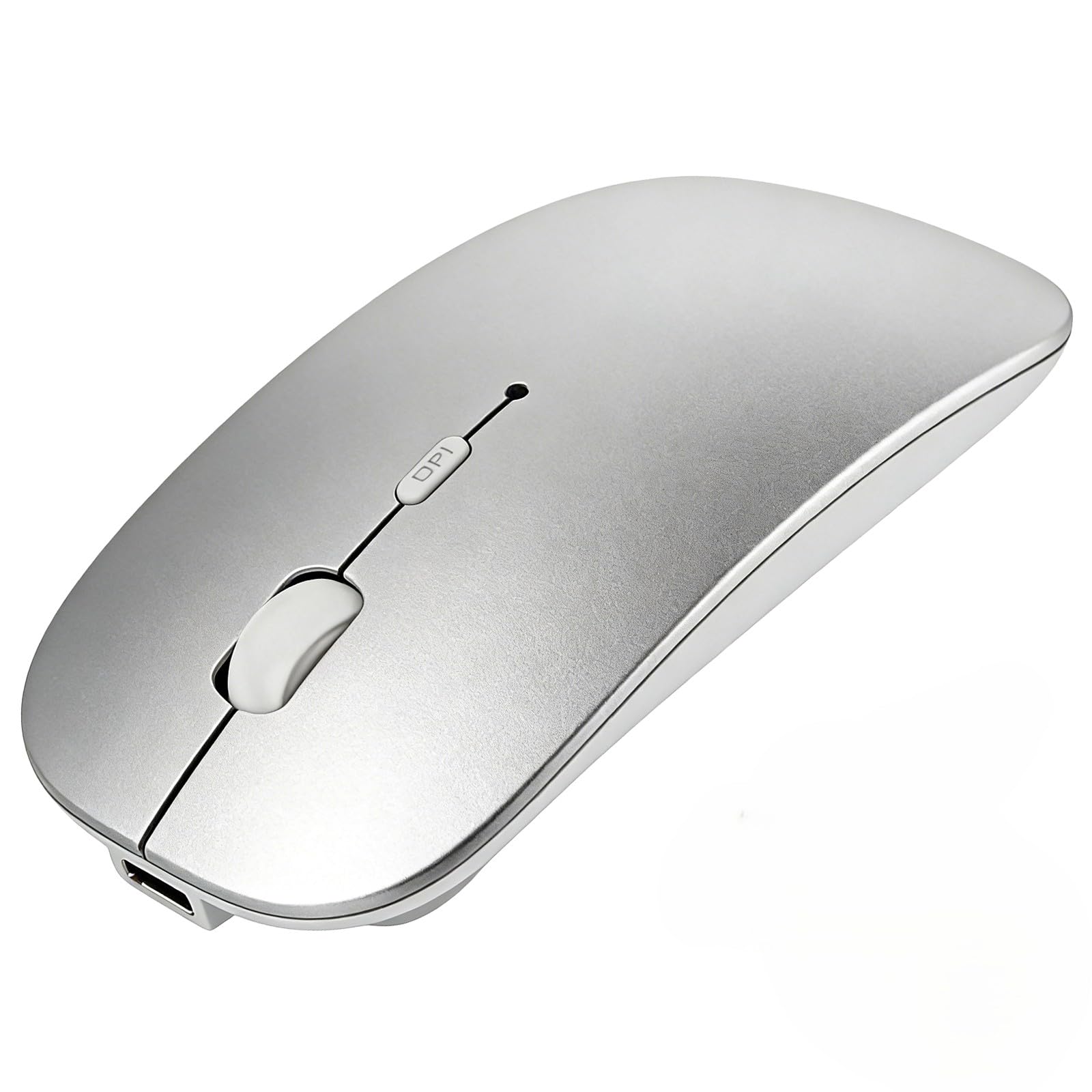
Description
New Upgrade Working Modes: Bluetooth mouse is compatible with Windows, iPad/iPhone/ operating systems , Android, and Linux. Tablets, Lenovo, Asus, HP, Surface, etc. If you are using a wireless mouse on your iPad/iPhone, upgrade your device first. If you can not connect, please contact after-sales service in time, we will solve your problem. compatible with most system including PC,Notebook,Desktop,Pad,Laptop; Support Win7 Win8 Win10 Linux or Android Tablet.Not for Mac,MacBook [Adjustable DPI]: 3 adjustable DPI levels, using high-performance optical chips, up to 1600 DPI (800/1200/1600) accurately tracking. Advanced optical tracking technology with quick click and responsiveness. Silent Click & Portable design: The mute button reduces noise. Suitable for offices, meetings, cafes, libraries and bedrooms. The flat design is suitable for traveling. Rechargeable Bluetooth Wireless Mouse and Hassle-free Services]:rechargeable bluetooth wireless mouse built-in durable Li-polymer rechargeable battery, 3 hours full charge, lasting use time, work above 3-4 weeks. It will go into sleep mode to save energy. 12-month worry-free warranty.this mouse has TPC charger spot usb-c.
HOTDREAM Bluetooth wireless mouse is more conducive to our connection and use on computer device, Laptop,MacBook
>>How to charge?
Charge the mouse for about 2 hours before use it for the first time.with 5v adapter for charging.
When the cursor doesn't move, or suddenly disconnects during use, need to charge the mouse.
>>How to use Bluetooth mouse mode:
1.slide the switch to BT mode, 2.open system preferences settings,turn on Bluetooth function , 3.when laptop Bluetooth is searching for nearby Bluetooth devices,press and hold the connect button at the bottom of the mouse for 3 seconds, The light flashes . 4.Bluetooth search there appears BT mouse, click to connect "Bluetooth mouse 4.0" , connection is OK
>>Note: This mouse cannot be connected Mac Book,MacBook air,MacBook pro.
>>How to use the bluetooth mouse on iPad: First, open iPad settings, find accessibility, turn on touch controls,>find assistive touch controls, turn on assistive touch controls, >pull down to find the device, turn on the Bluetooth device,> turn on the mouse switch, press and hold the button on the bottom of the mouse for 3seconds, iPad will search BT5.2 mouse and click "Connect". Pairing password: 0000, (if you can't find the mouse, please restart the mouse,restart iPad Bluetooth function, restart the iPad)
>>Packing list:
HOTDREAM Bluetooth mouse *1
USB charging line *1
NO USB2.4G receiver/Type C adapter(only bluetooth mouse)
Instructions*1.
Mouse M03 silver(Mac,MacBook)
More Information
| Color | Silver |
| Gtin | 0762716409712 |
| Age_group | ADULT |
| Condition | NEW |
| Gender | UNISEX |
| Material | Metal |
| Product_category | Gl_pc |
| Google_product_category | Electronics > Computers |
| Product_type | Electronics > Computers & Accessories > Computer Accessories & Peripherals > Keyboards, Mice & Accessories > Mice |