
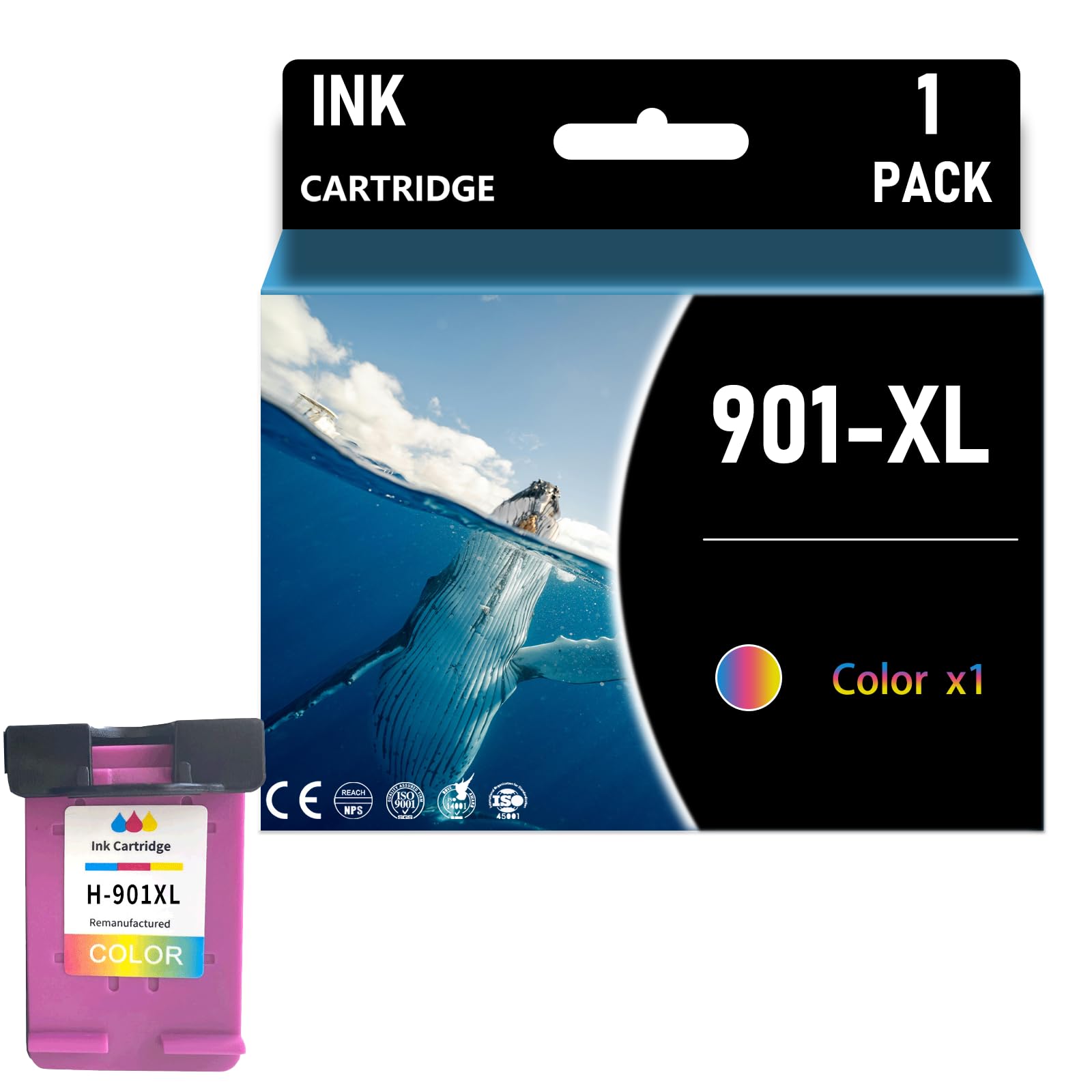
Description
Latest upgraded smart chips: Designed specifically for Lexmark printers, all cartridges are engineered with the latest upgraded smart chips, more incompatibilities are blocked, ensure each cartridge 100% recognized by compatible printers quickly and display accurate ink level, you can enjoy no-worry and efficient printing Compatible Printers:for HP J4500 J4580 J4640 J4660 J4680 Officejet 4500 Printer. Fade Resistant & High Quality: The 901 xl ink cartridges for hp printers are manufactured with superior ink material to ensure long-lasting colors and clear, readable text even at smaller fonts, giving you impressive printouts HIghest Page YIeld:Up to 750 pages per black Ink cartrIdge and 450 pages per color Ink cartrIdge (5% coverage) A4 paper. Warm Tips:Please confirm your printer model and ink cartridge model before placing an order. We attach great importance to your shopping experience. If you have any problems, you can contact us at any time. We will provide solutions to you as soon as possible. 1. Compatible Cartridge Replacement for 901 xl Ink Cartridges2. Why Choose Our Cartridges?- Strict Quality Control: Precise specifications ensure proper installation.- Excellent Printing Results: Premium inks provide crisp text and graphics.- Brand New Chip: Highly compatible with brand new printer firmware.3. User Manual:- If your printer displays an alert like "No" instead of "-Genuine", press "Continue"/"Continue"/"Accept" or "OK" and continue.- If you receive an "Ink Cartridge Not Recognized" or "Ink Missing or Damaged" error, remove the affected ink cartridge and gently wipe the chip with a flannel or eraser to remove any dust or adhesion that may be present. Then put the clean ink cartridge back into the appropriate ink cartridge slot. If the problem persists, turn off the printer and unplug it for 30 seconds and try again.- If you get an unrecognized printer problem, you should check if the nozzles are clogged or if the printer has been cleaned.- If you notice an "Out of Ink/Empty/Low Ink" error, remove and reinstall the indicated ink cartridge until it is firmly seated in its slot. If all ink cartridges are installed correctly, press OK or Continue to remove the message and print.
More Information
| Color | Color |
| Size | Normal |
| Gtin | 8259405204335 |
| Mpn | 901 |
| Age_group | ADULT |
| Condition | NEW |
| Gender | UNISEX |
| Product_category | Gl_office_product |
| Google_product_category | Office Supplies |
| Product_type | Office Products > Office Electronics > Printers & Accessories > Printer Parts & Accessories > Printer Ink & Toner > Inkjet Ink Cartridges |