
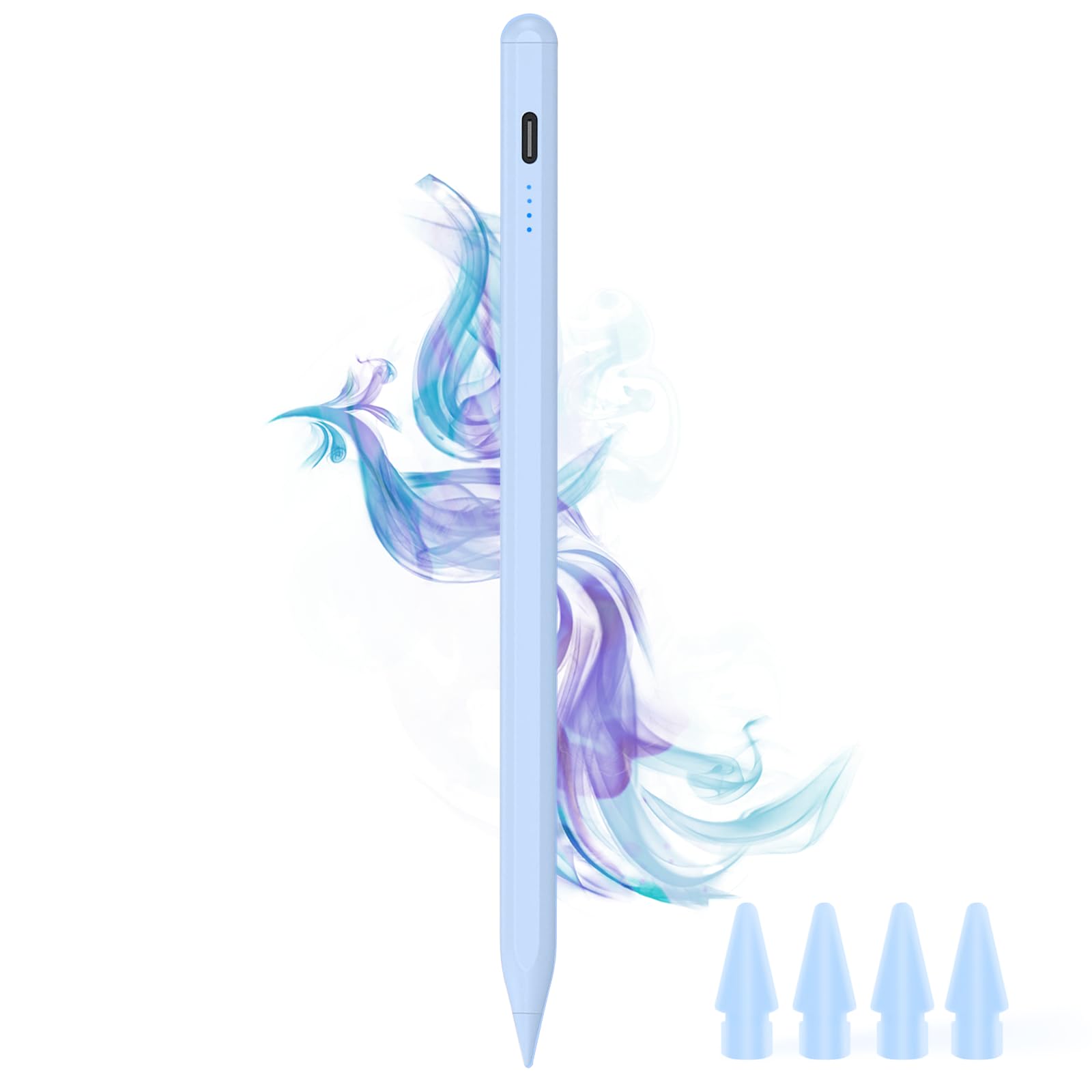
DOGAIN A8 Stylus Pen for iPad 2018-2026, Fast Charge, Palm Rejection-Blue | Magnetic Precision Pencil for iPad Compatible with Apple iPad A16 11-6,($15.99Value)
$15.99
DOGAIN A8 Stylus Pen for iPad 2018-2026, Fast Charge, Palm Rejection-Blue | Magnetic Precision Pencil for iPad Compatible with Apple iPad A16 11-6,($15.99Value)
Description
【Make Sure Your iPad Model is Compatible】 This iPad Pencil ONLY supports the iPad (2018-2026) models, The iPad Pen is compatible with iPad (A16)11th/10th/9th/8th/7th/6th, iPad Pro 11-inch 1st/2nd/3rd/4th/M4/M5, iPad Pro 12.9-inch 3rd/4th/5th/6th, iPad Pro 13-inch (M4/M5), iPad Air 3rd/4th/5th/M2/M3/M4, iPad Mini 5/6 Gen. 【Note】 This iPad a16 Pencil is Not compatible with iPad models prior to 2018, Not compatible with iphones, Not compatible with Android or Windows phones and tablets. Please confirm model compatibility before placing an order 【Power Display & Type‑C Charging】 This stylus pen for iPad features 4 LED power indicators (each = 25% battery), so you always know your remaining charge – No unexpected interruptions in the middle of your work. When it’s time to recharge, this USB‑C iPad pencil takes only 20 minutes to deliver up to 8–10 hours of uninterrupted use. Plus, the iPad stylus automatically powers down after 5 minutes of idle time to conserve battery.【Important Notice】: To protect battery life, turn off the stylus before charging. Do not charge while powered on! 【Palm Rejection & Tilt Sensitivity】 Featuring palm rejection technology similar to that of the 1st and 2nd generation Pencil for iPad, this ipad stylus pen lets you rest your hand comfortably on the screen for effortless creativity – No glove, no hovering, just natural writing and drawing. The built‑in tilt sensitivity makes it behave like a real pencil: tilt for wide shading, stay upright for delicate lines. Bring your iPad sketches to life. *(NOTE: Pressure sensing is not supported.) 【Smart Touch Switch & Magnetic Function】 Simply double-tap the top of the pen for iPad to turn it ON/OFF - No need Bluetooth or app, no buttons. The iPad A16 pen features two built‑in magnets that keep it securely attached to your iPad – so it won’t roll away or get lost, and it’s easy to store and keep organized. Whether you’re heading to outdoor work, a business meeting, or a trip, just snap it on and forget about it. *(NOTE: Wireless Charging is NOT supported.) 【Premium POM Tips – 5 in Total】 Crafted from premium POM material, these iPad pencil tips deliver a precise, natural writing feel. As part of your essential iPad accessories, we provide 5 tips in total: one already on the pen, plus 4 extra replacements in the box. Long‑lasting, cost‑effective, and always ready for your next project 【Your All-in-One Digital Companion】 This iPad Air pencil captures strokes accurately for note‑taking, sketching, annotating documents, and more. It supports smart shape recognition (rough shapes auto‑convert to clean ones) and double‑tap on the lock screen to open Quick Notes instantly – just like the original pencil. This iPencil is perfect for students, engineers, artists, and business pros. Lightweight – slip into pocket or bag and take to class, coffee shop, office, or plane. A practical gift for any iPad user 【After-sales Protection】 What do you get? You can get 1*Active Stylus Pen, 4*POM replacement tips, 1*Type-C charging cable and 1*English manual. Our DOGAIN iPad Pro pencil provides 12 months service, if there is a problem with the product can contact us, our team will give you a reply within 24 hours
The DOGAIN A8 Pencil for iPad is a replacement stylus specifically designed for iPad tablets.
Please charge the stylus for 30 minutes when using it for the first time
1.If the stylus doesn't work after turning on, please follow these steps below, please turn off Bluetooth on the iPad: Settings > Bluetooth > Turn off Bluetooth or disconnect the Bluetooth connection between your iPad and Apple Pencil: Settings> Bluetooth> Apple Pencil> tap i> Forget this device.
2.If your stylus lags or jumpers, please check whether the nib is tightened enough or reinstall a new nib
How to Check Your iPad Model
1: Setting > General > About > Model Name
2: Check the model number starting with "A" on the back of your iPad
More Information
| Color | Blue |
| Mpn | DOGAIN Stylus Pen A8 |
| Age_group | ADULT |
| Condition | NEW |
| Gender | UNISEX |
| Material | Aluminum |
| Product_category | Gl_pc |
| Google_product_category | Electronics > Computers |
| Product_type | Cell Phones & Accessories > Accessories > Stylus Pens |